
Send Us a Message
You can reach the Digital Experience team through the Help Hub or by email. Both are available 24 hours a day and both log your request automatically.
We aim to respond by the next business day.
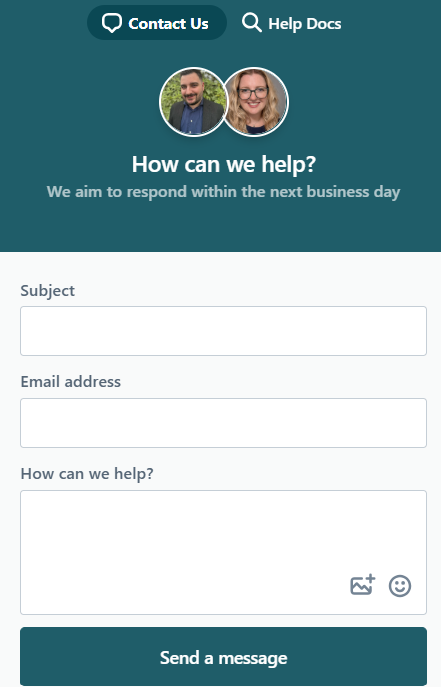
From the Help Hub
- Select the Help button in the bottom-right corner of any page.
- Choose Send a message.
- Enter a short subject line and your work email address.
- Describe what you need.
By email
Email Help@kingborough.tas.gov.au. This creates a request the same way the Help Hub does.
What to include
The more you give us up front, the fewer times we have to come back to you:
- What you were trying to do
- What happened instead, including the exact error message
- A screenshot
- What you have already tried
- How urgent it is, and whether others are affected
What happens next
You will get an email confirming your request, with a case number in the subject line.
- To add more information, reply to that email. Your reply is added to the existing case. Please do not start a new message, as that creates a second case and slows things down.
- To check progress, look under My requests.
- If your request has been closed but the problem is not fixed, reply to the email and it will reopen.
- If it is urgent or has stalled, you can escalate it.