Getting Started with Microsoft 365
Microsoft 365 is the set of tools you will use every day for email, documents, files and meetings. It comes with your Council account, there is nothing to buy or request.
What you get
| App | What you use it for |
| Outlook | Email and calendar |
| Teams | Chat, calls, online meetings, team channels |
| OneDrive | Your own file storage, synced and backed up |
| SharePoint | Shared team files and the intranet |
| Word | Documents |
| Excel | Spreadsheets and data |
| PowerPoint | Presentations |
On your work computer
These apps are already installed. Open them from the Start menu.
In a browser
- Go to m365.cloud.microsoft and sign in with your Council email address and passphrase
- You will get everything you have on your work computer, from any device with a browser
This is the quickest route when you are on a shared machine, working from a different site, or your laptop is unavailable.
On your phone
See Set up email on iPhone or Set up email on Android, and Set up OneDrive on iPhone or iPad or Android.
Installing on a personal computer
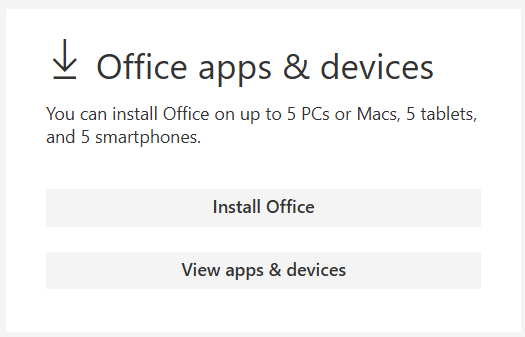
Your Council licence covers installation on up to five computers, five tablets and five phones.
- Sign into https://portal.office.com/account
- Select Install Office
- Download and install onto the personal device by following the prompts