Access the Help Hub from Microsoft Teams

The Help Hub is your one-stop shop for support with IT, GIS, and Information Management (Digital Experience). You can open it directly from Microsoft Teams—making it easy to get help from any location, on any device.

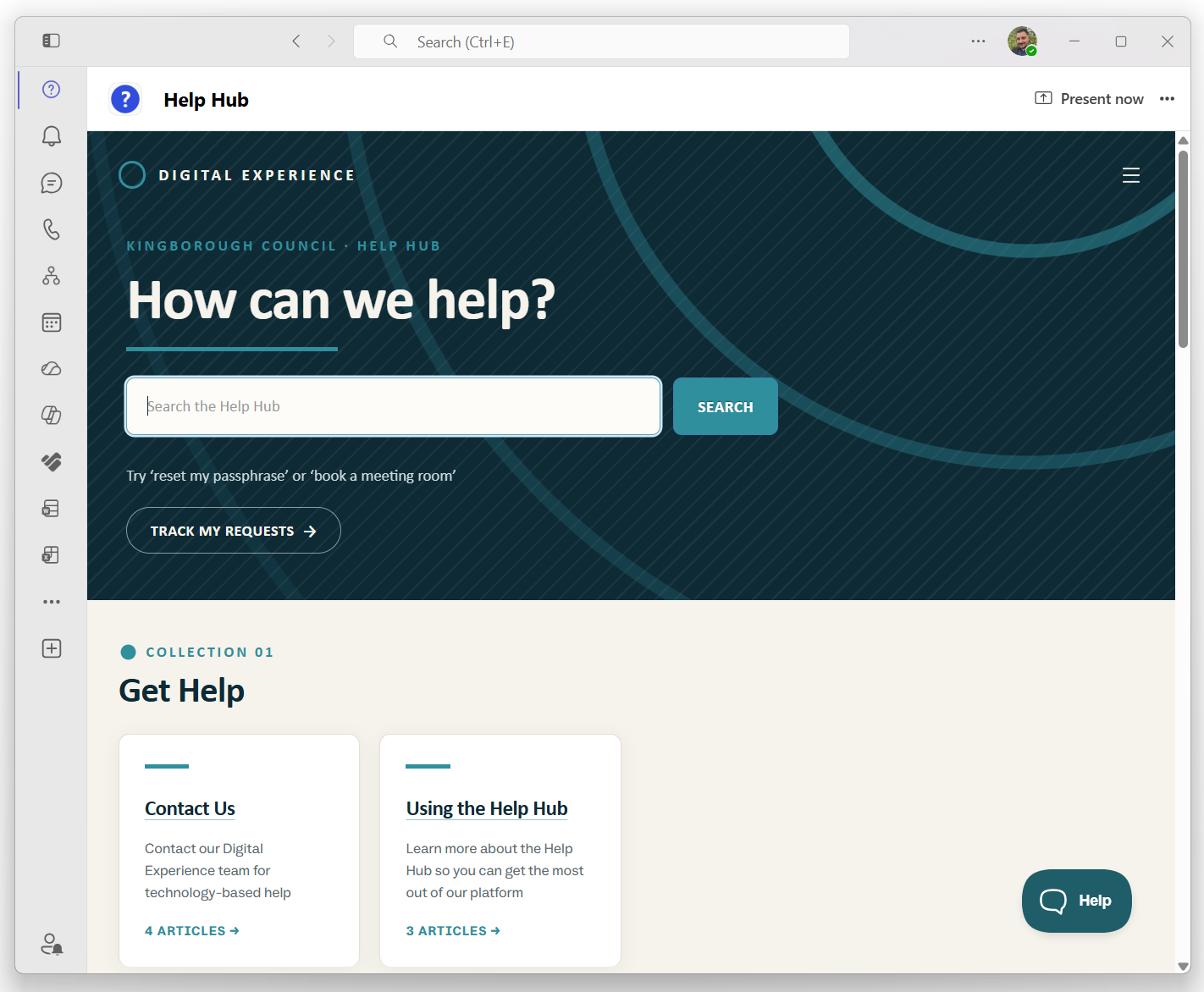
To make it easy, the Digital Experience team has pre-installed and pinned the Help Hub to your Microsoft Teams app list menu (see below). Just look for the Help Hub icon in Teams (desktop or mobile) to get started!

Help Hub via Microsoft Teams (desktop app)

Help Hub via Microsoft Teams (mobile app)

You can also visit the Help Hub from your browser at help.kingborough.tas.gov.au or from the staff intranet.


You can learn more about our mission and values in Our Service Charter.

Did this answer your question? Thanks for the feedback There was a problem submitting your feedback. Please try again later.